

Private AI content report preview
Turnitin AI Content Detector for College Papers | T-checker
Preview AI-generated content signals, report indicators, and similarity concerns before you submit your paper.
*By default, both Similarity and AI Reports are generated. Selecting "Check similarity" only to disables the AI Report.
- We'll never store your paper in your university's database.
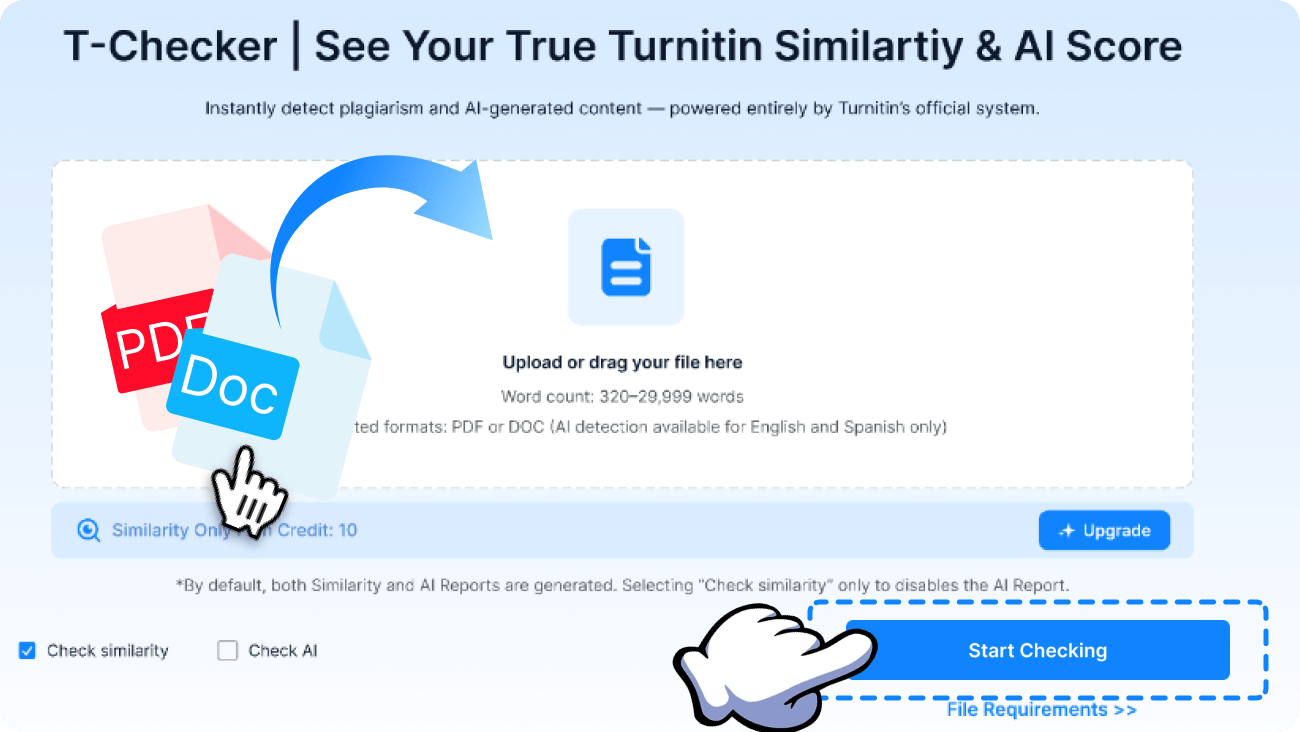
3 Simple Steps to Use the Turnitin AI Content Detector
Upload your paper and start the AI content detection review with one simple action.
Track your file status while T-checker prepares report insights in about 5-20 minutes.
Note: Please download your report within 24 hours.
Start Checking
After that, it is automatically removed to help protect your privacy.
We Protect Your Privacy, Always
Our Turnitin AI content detector workflow is built to perform secure, one-time document checks while keeping every uploaded file protected.
Never Stored in the Repository
Your paper is not submitted to the Turnitin Repository and is never retained by external database providers.
Scheduled Data Deletion
Every uploaded document and generated report is automatically erased from our platform within 24 hours.
You're in Control of Your Files
Delete your files whenever you wish and maintain complete control over the data you upload.
End-to-End Data Encryption
We protect your documents with advanced encryption throughout the entire checking process to ensure your information remains secure.
Why Choose T-checker as a Turnitin AI Content Detector
T-checker provides a convenient way to assess AI-generated content, document analysis results, and potential similarity issues before final submission.
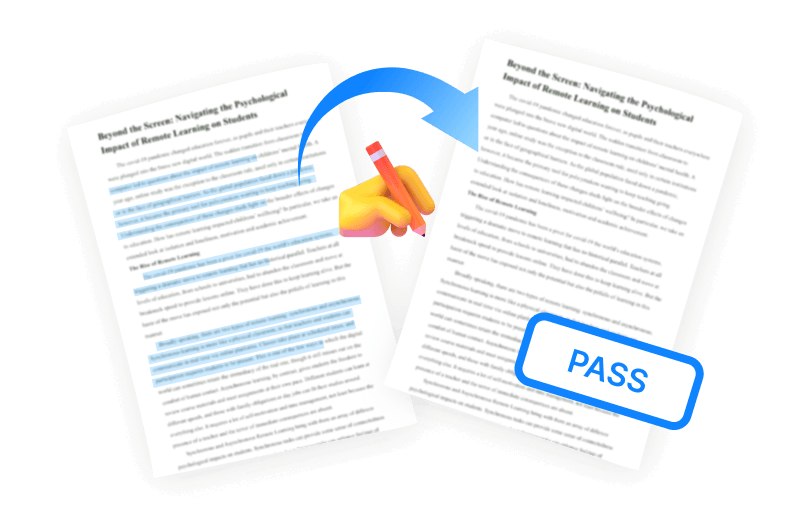
Evaluate AI-Generated Content in Advance
The Turnitin AI content detector workflow enables you to assess how AI-generated content could appear in an AI report before your document is submitted. Review AI probability, detected sections, and supporting report information to decide whether further editing is needed.
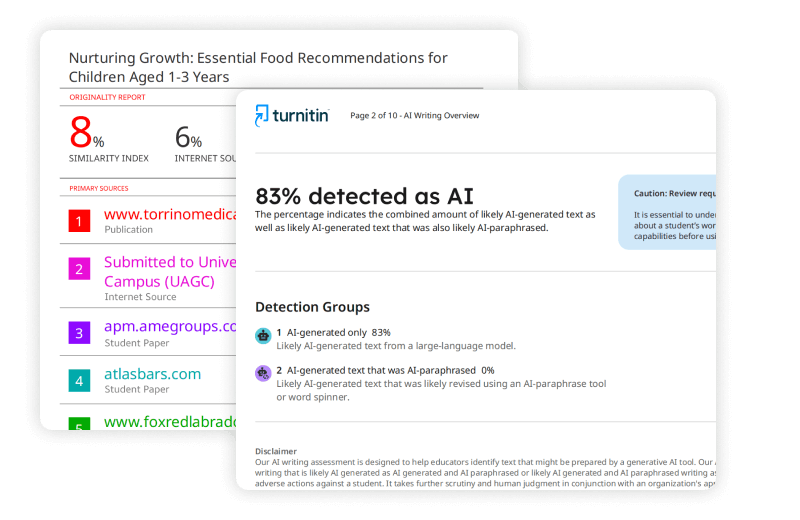
Interpret AI Detection With Supporting Context
AI content analysis becomes more meaningful when paired with surrounding report details. T-checker combines AI writing indicators, similarity analysis, and overlapping passages into a single confidential report preview for easier interpretation.
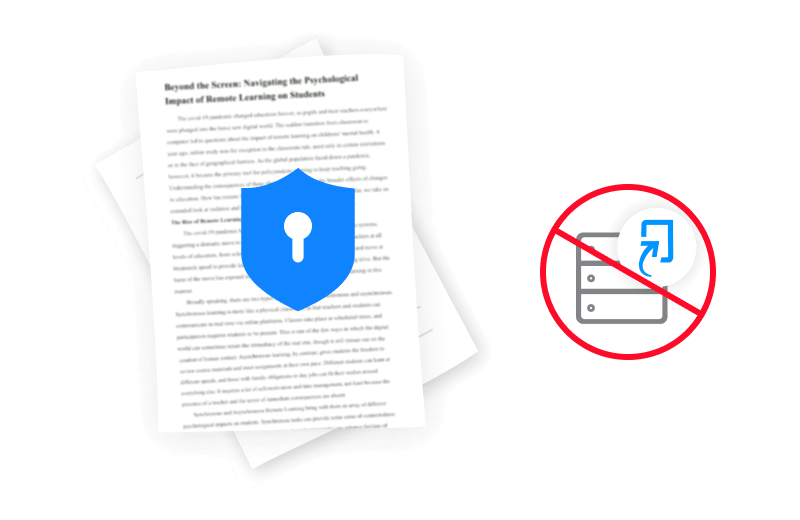
Avoid Repository Storage During Review
Using T-checker does not require a personal or institutional Turnitin account. Your paper is analyzed without being placed in the Turnitin Repository, helping prevent repository-related similarity concerns for future submissions.
Generate Report Previews Without Account Access
Preview reports are usually generated within 5–20 minutes. The Turnitin AI content detector workflow is designed to provide efficient access to AI detection results without depending on restricted Turnitin account availability.



FAQ
Common questions and answers about T-checker and Turnitin AI content detector report previews.
1. What does a Turnitin AI content detector show?
A Turnitin AI content detector provides a preview of AI-generated content indicators, estimated AI probability, and supporting report information before you submit your document. T-checker lets you examine these results privately in advance.
2. Can T-checker identify AI-generated content in my document?
Yes. T-checker creates a preview that may highlight AI-generated content within your document, helping you recognize areas that could benefit from further editing before submission.
3. Can I use the AI content detector without a Turnitin account?
Yes. The Turnitin AI content detector workflow is available through T-checker without requiring a personal or institutional Turnitin account, allowing you to access AI detection results together with similarity report previews.
4. Is my paper uploaded to the Turnitin Repository?
No. T-checker does not place your paper in the Turnitin Repository. Your document is processed only to generate the preview report and is deleted after the applicable retention period.
5. Does the preview also include similarity analysis?
Yes. Besides AI content detection, the preview also contains similarity analysis, matched passages, and overlap information, giving you a more comprehensive understanding of your document before submission.
6. What if I don't save my report within 24 hours?
For security and privacy reasons, reports are retained for only 24 hours. After that period, the original report is permanently removed, although a copy will already have been delivered to your registered email.
Articles
Turnitin Tips & Tutorials
Helpful guides for AI detection, similarity reports, and Turnitin tips.
What Is the Maximum Turnitin Similarity Allowed in College?
Learn the similarity ranges commonly accepted by colleges and how instructors evaluate different Turnitin scores.
Jun 10 · 2026
What Does Turnitin Similarity Score Color Mean? Full Guide
Understand what every similarity color represents and how each level is interpreted in Turnitin reports.
Jun 10 · 2026
Help! Not Able to Get My AI Report from Turnitin - Fix Guide
Explore the most common reasons AI reports fail to appear and the practical steps to restore access quickly.
Jun 10 · 2026
Does Turnitin Detect AI-Generated Graphics, Charts or Images?
See how Turnitin handles AI-generated visuals and what types of images or graphics it can and cannot evaluate.
Jun 10 · 2026
Turnitin Login Guide: A Clear Walkthrough for Students
Follow a simple walkthrough for signing in, activating your account, and resolving common login problems.
Jun 10 · 2026
How to Use Turnitin AI Checker: Step-by-Step Guide
Follow a complete walkthrough to submit documents, interpret AI results, and make the most of your report.
Jun 10 · 2026